Board
Board is where a project starts. Collect references, screenshots and notes, capture live websites and keep the reasons behind your taste decisions.
On this page
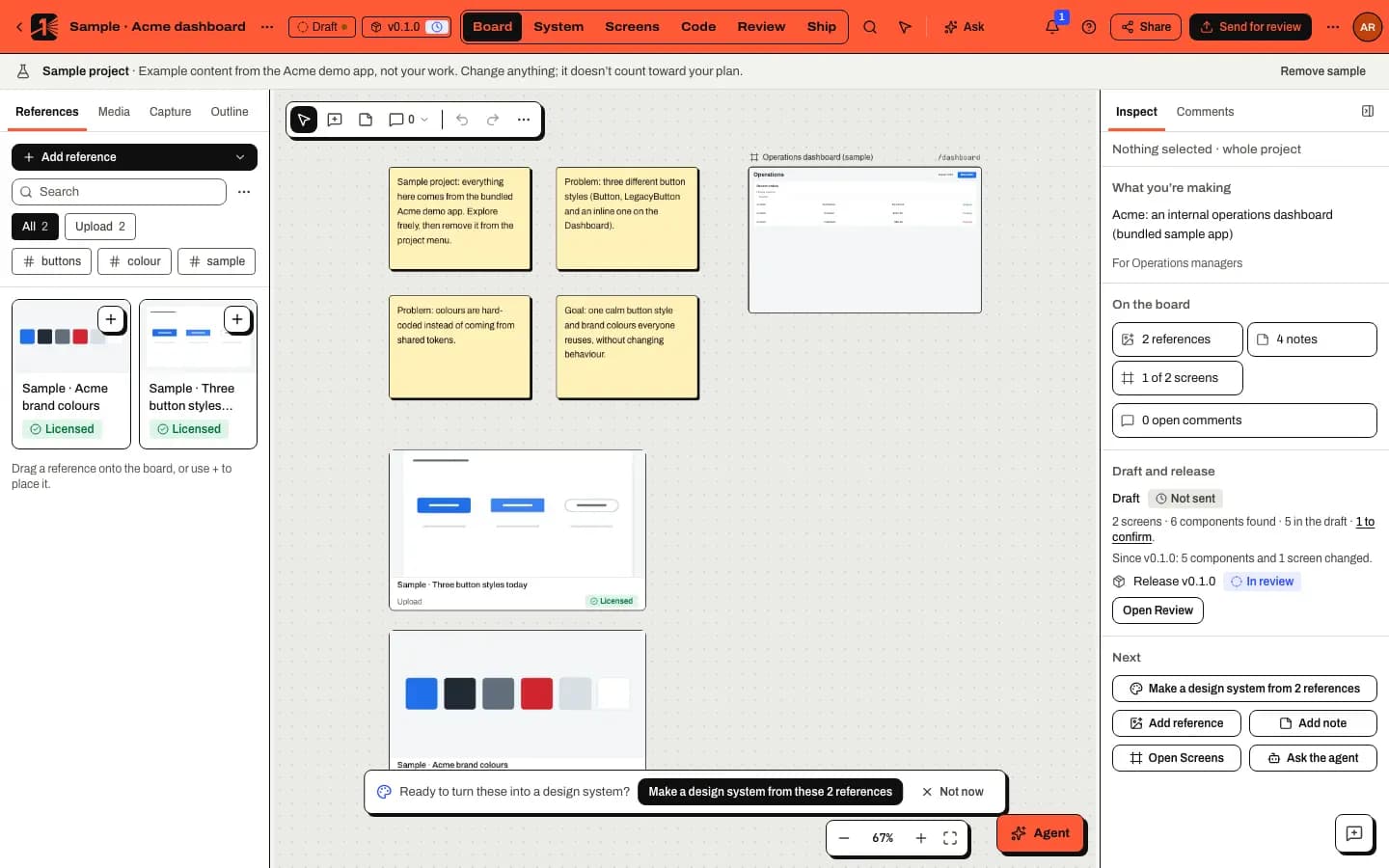
Board is a spatial canvas for everything that shapes a design: references, screenshots, notes, groups and comment pins. An accessible Outline in the left panel lists every item, so the board works with a keyboard and a screen reader too.
The left panel has four tabs:
- References: your project's reference library, with search, tag filters and a grid or list view.
- Media: generated images and video (see the note below).
- Capture: capture a live web app as a reference.
- Outline: everything on the board, as a list.
Adding references
Open Add reference and choose:
- Upload images (or drop files on the board).
- Paste a link, then fill in the URL, a title, Why it matters and tags.
- Capture a web page: see Capture a website as a reference.
- Start a system from a reference, once you have references: see Start a design system from a reference.
References are private to your workspace by default and are not used to train AI models.
Working on the board
-
Press N to add a note and C to comment.
-
Tab and Shift Tab move between items; arrow keys move the selection (hold Shift for bigger steps) and Alt with arrows resizes it.
-
⌘ G groups, ⌘ Z undoes, and holding Space while dragging moves around the board.
-
Select Map in the zoom control at the bottom right to show a minimap of the whole board, with the part in view outlined. Click or drag on it to move there; with the map focused, the arrow keys pan and Enter recentres. If you wander away from everything, Back to content (Shift 1) brings you back.
The full list is under Help (?) › Keyboard shortcuts.
In this section
Last updated
Edit this page on GitHub