Design a screen and its states
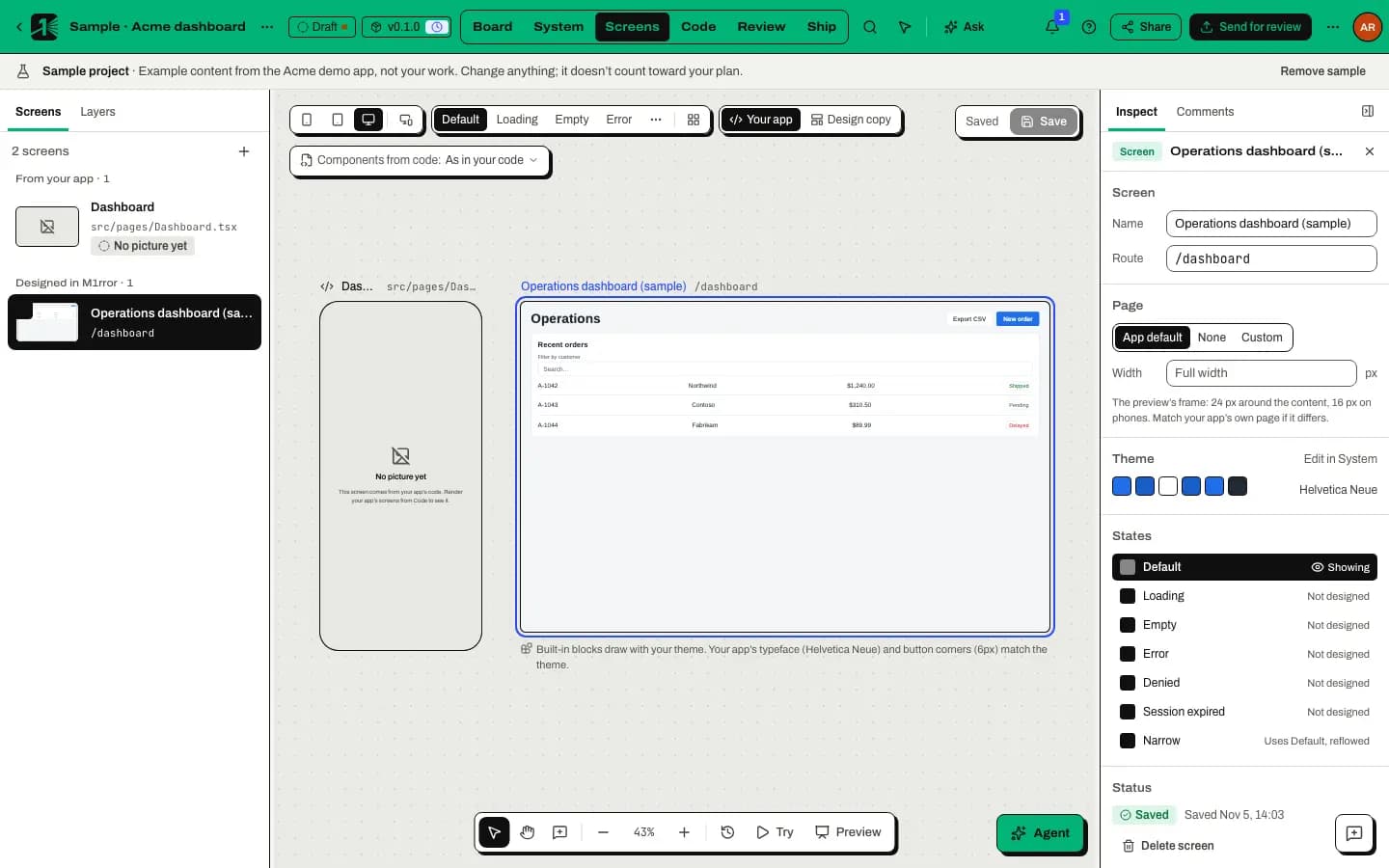
Create a screen, build it from your components, then design its loading, empty, error, denied and session-expired states, or record why one isn't needed.
On this page
Most visual bugs live in the states nobody drew: the spinner that jumps, the empty table with no way forward, the error that blames the user. In M1rror every screen carries its states, so they get designed and reviewed alongside the happy path.
Design the screen
Create the screen
In Screens mode select New screen in the Screens panel. Give it a Name and, optionally, the Route it lives at in your app.
Build it from layers and components
Open Layers and add Layout and content blocks or Components from your system. Use Move up and Move down to order layers, or Ask about this to bring a layer to the design agent.
Check every size
Switch between Phone, Tablet and Desktop, or choose All sizes to see them together.
Design each state
Choose a state with Screen state. A state that isn't designed yet shows <State> isn't designed yet with three ways forward:
- Start from Default copies the default state so you can change only what differs.
- Design it, or Ask the agent to design it. Agent-drawn states are badged Agent draft until you select Accept or Undo.
- Not needed on this screen, with a short rationale in Inspect › States. Reviewers see the reason.
Save
Unsaved screens show a pencil on the Screens tab. Select Save, or Discard to drop your changes.
What each state is for
| State | Show it when | Good practice |
|---|---|---|
| Loading | Data is on its way. | Keep the layout's shape so nothing jumps when content arrives. |
| Empty | There is nothing yet. | Say what will appear here and offer the one action that fills it. |
| Error | Something failed. | Say what happened, whether work was kept and what to do next. |
| Denied | The person can't see this. | Say who can grant access instead of a blank page. |
| Session expired | The sign-in ran out. | Keep their work and let them sign in again in place. |
Our post on designing every state goes deeper.
Review it
States travel with the screen into a release, so reviewers see them too. See Send a release for review.
Last updated
Edit this page on GitHub