Send a release for review
Freeze your current draft as a numbered release, ask the right people to review it, and collect comments and approvals bound to exactly that version.
On this page
Sending for review turns "what we're working on" into "what we're deciding on". The release is frozen, so a reviewer's approval always refers to exactly what they saw, and later edits can't slip past it.
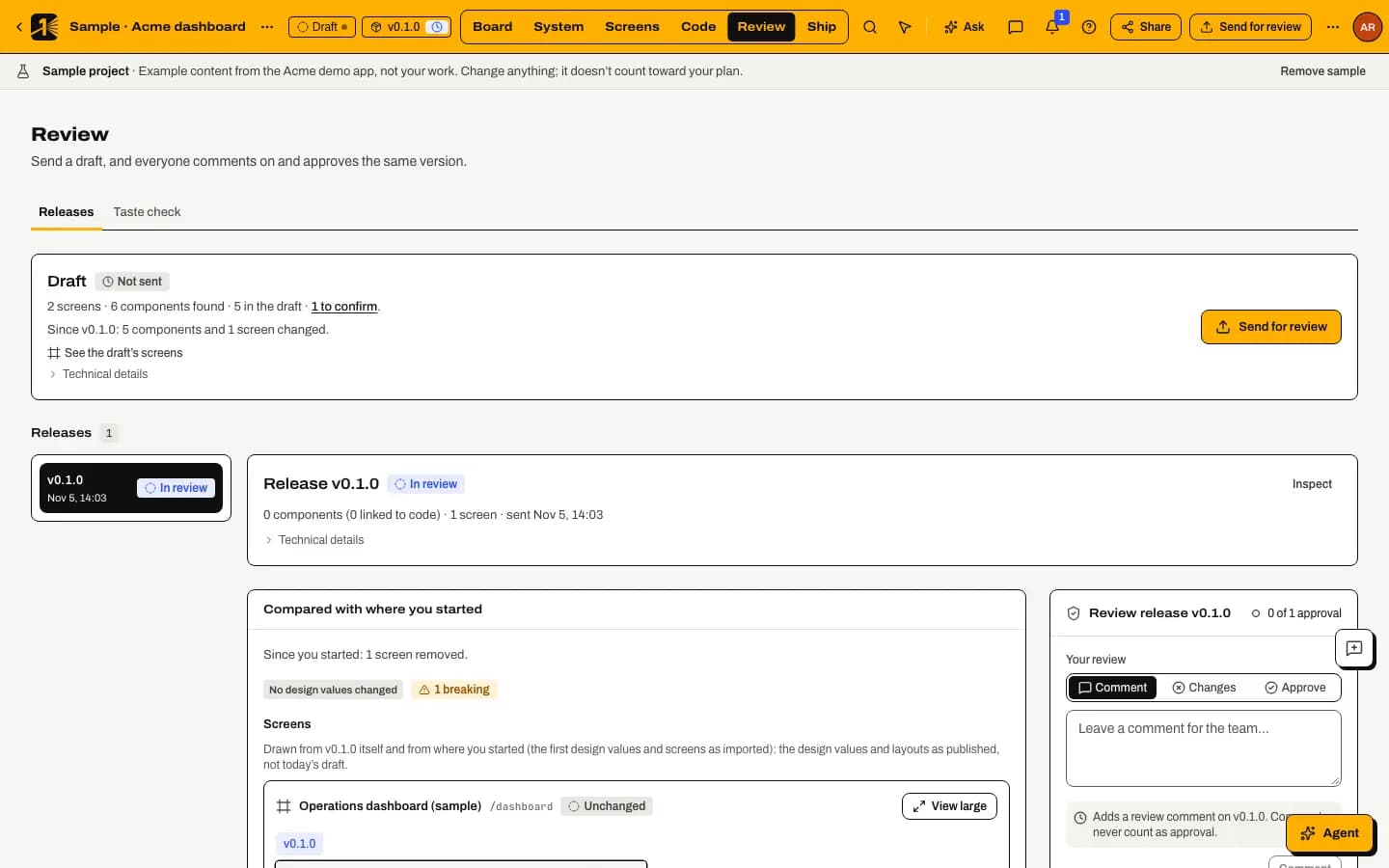
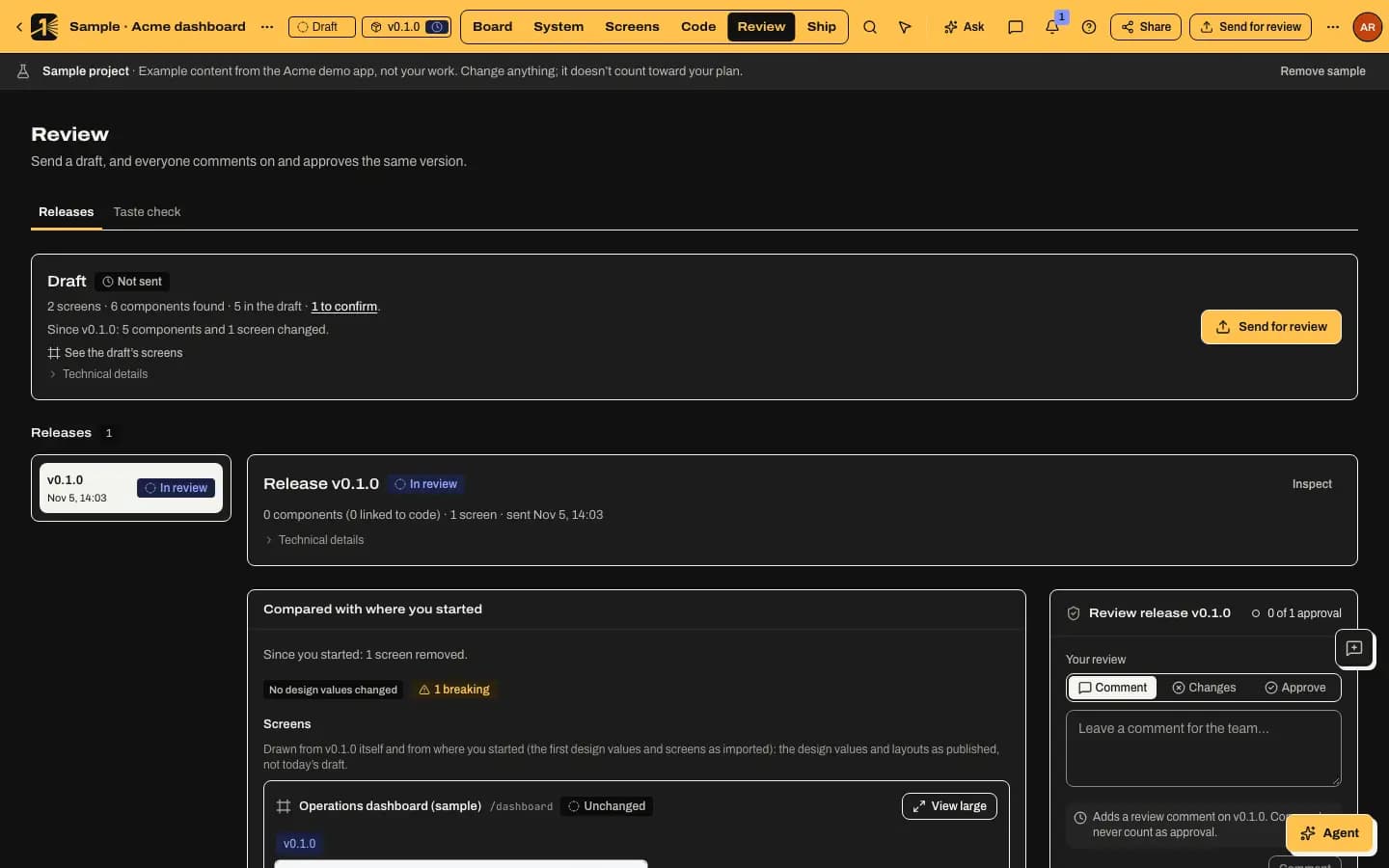
Send it
Send for review
Select Send for review in the top bar (it is also in the Share popover). The dialog explains that it freezes the current draft as a new version. Select View changes to see what changed since the last release.
The release keeps a copy of your workspace's approval policy as it is now, and M1rror takes free pictures of every screen in it.
Ask for what you need
Pick the reviewers, and use What should reviewers focus on? to point them at the decisions that matter. Reviewers are notified by email and in the app, according to their notification settings.
Reviewers comment and decide
A reviewer opens the release from Review mode and chooses Comment, Request changes or Approve. A decision needs a reason (What did you check?), so the record says why, not just who. Reviewers can also approve or request changes on each screen; see approval policies and team review.
Comments pin to a screen or element. In Review, Pin a comment pins it to the screen, state and size of that exact release, and draw on the design with rectangles, ellipses, arrows, lines and text to show exactly what you mean.
Act on the result
When a release is Approved under its policy, it's ready to ship. If changes were requested, update the draft and send a new release: the old one is marked Replaced, and its comments and decisions stay in the Decision history. Use Compare with to see what changed between releases, as values and as pictures.
Include people without an account
Clients and stakeholders can review through a private, expiring link without signing up. See guest review links.
Why approvals are bound to versions
Every approval records a digest of the release it approves. If anything about the release changed, the approval wouldn't match it, so an approval can't be reused for something nobody reviewed. That is also why a changed design always means a new release and a fresh review.
Last updated
Edit this page on GitHub