System
System holds your design system as one versioned whole, from colour, type, spacing, corners, shadows and motion to the components, icons and directions built on them.
On this page
System is the single source of truth that screens, reviews and code checks are measured against. It is versioned: every saved change is a new revision in History, and a release freezes the version reviewers approve.
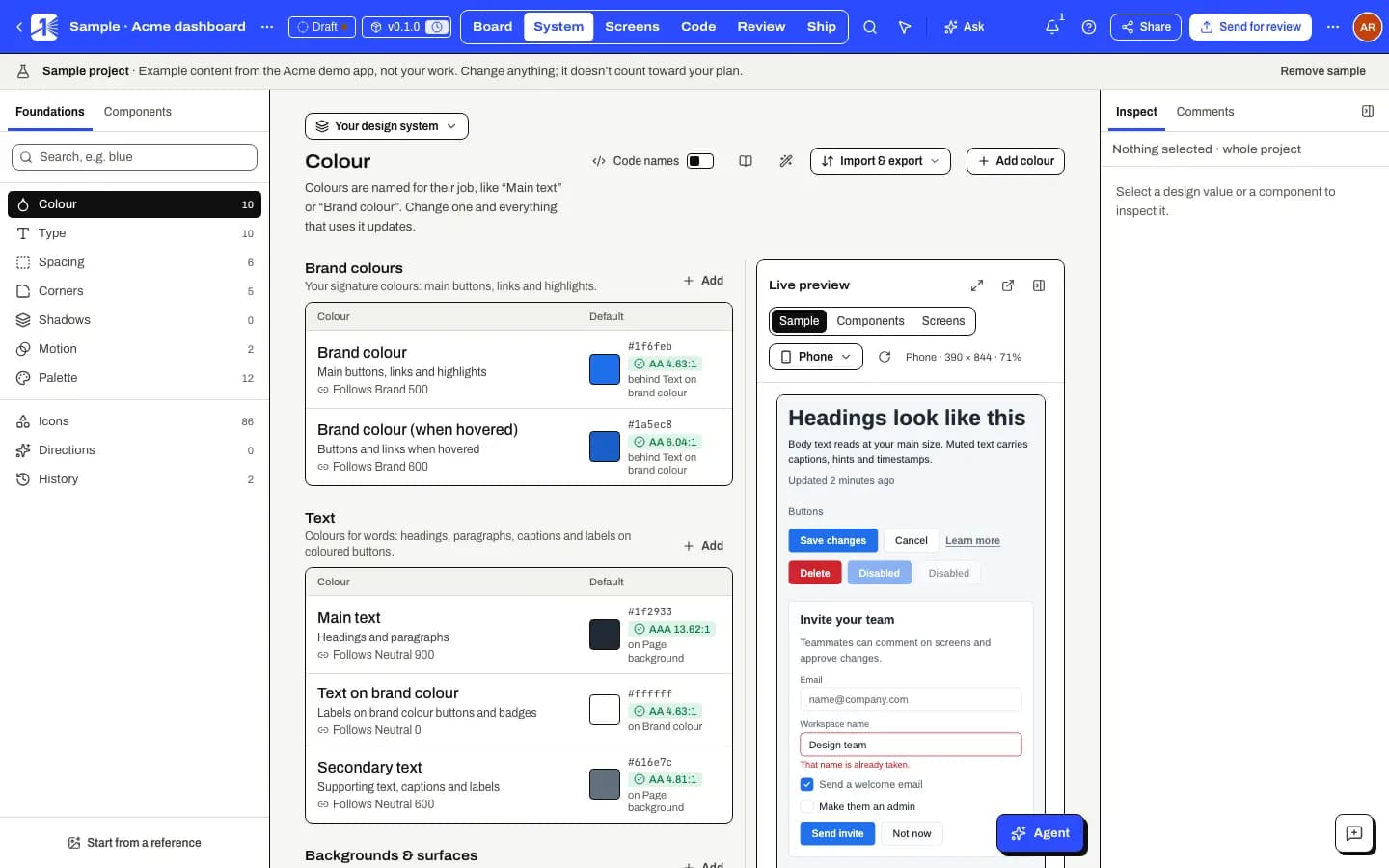
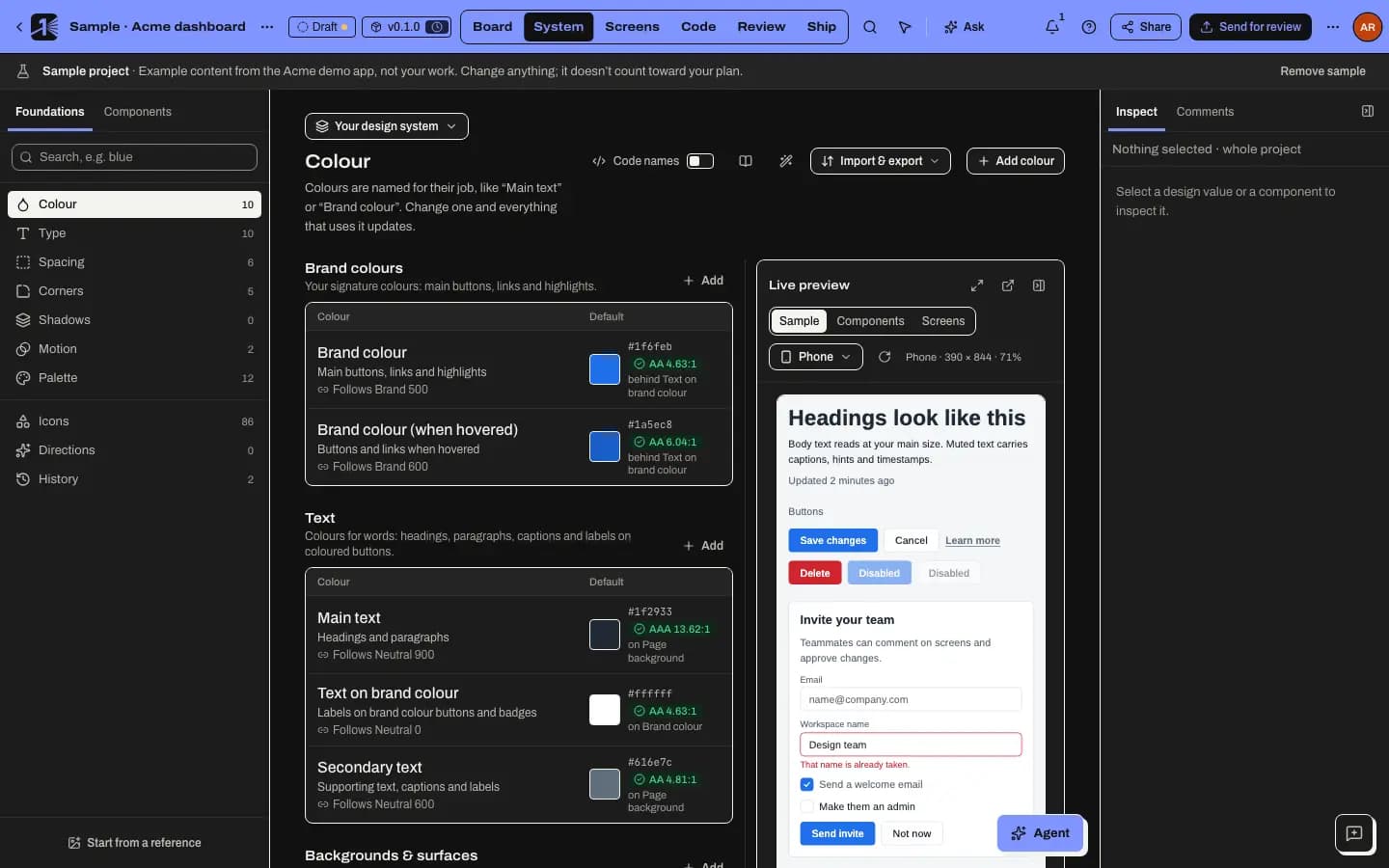
Foundations and library
The Foundations panel lists the pages of your system:
- Colour, Type, Spacing, Corners, Shadows, Motion, Other and Palette.
- Icons, Directions (alternative looks you can compare and switch between), History and From code (the design tokens read from your repository).
The Components panel lists your components and their variants. Components found in a connected repository appear here marked Detected from code · unconfirmed until someone confirms the match.
Unsaved changes can be undone and redone with ⌘ Z and Shift ⌘ Z.
Three ways to start
- From your code: read the design tokens in your repository, in your own names and formats, and confirm the components M1rror found.
- From a reference: a screenshot or capture becomes a first draft of a full system.
- From a tokens file: import DTCG or Tokens Studio JSON.
You can also set colours by hand on the Colour page.
In this section
- Start your design system from your codeRead the design tokens already in your repository, keep your own names, map them onto the system and settle conflicts, then confirm the components M1rror found.
- Start a design system from a referenceTurn a screenshot or captured page into a first draft of a full design system, with measured colours, contrast fixes and a clear list of what needs a look.
- Import and export tokensBring design tokens in from DTCG or Tokens Studio JSON, and export your system as CSS variables, TypeScript, JSON, DTCG, Markdown, SwiftUI, Android or Compose.
Last updated
Edit this page on GitHub