Ship an implementation PR
Turn an approved release into an authorised build plan and a draft pull request with evidence, or hand the plan to your own coding agent over MCP.
On this page
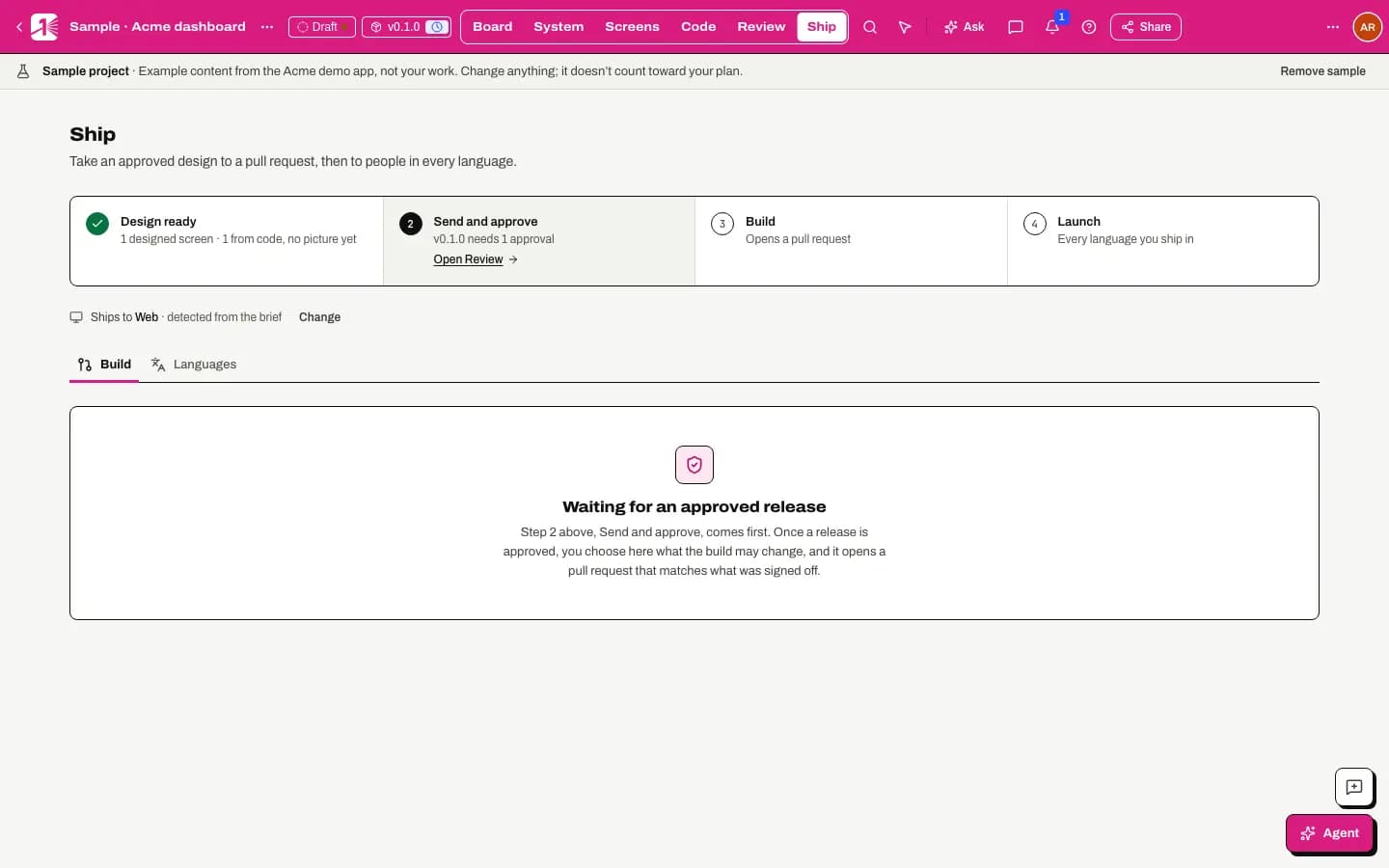
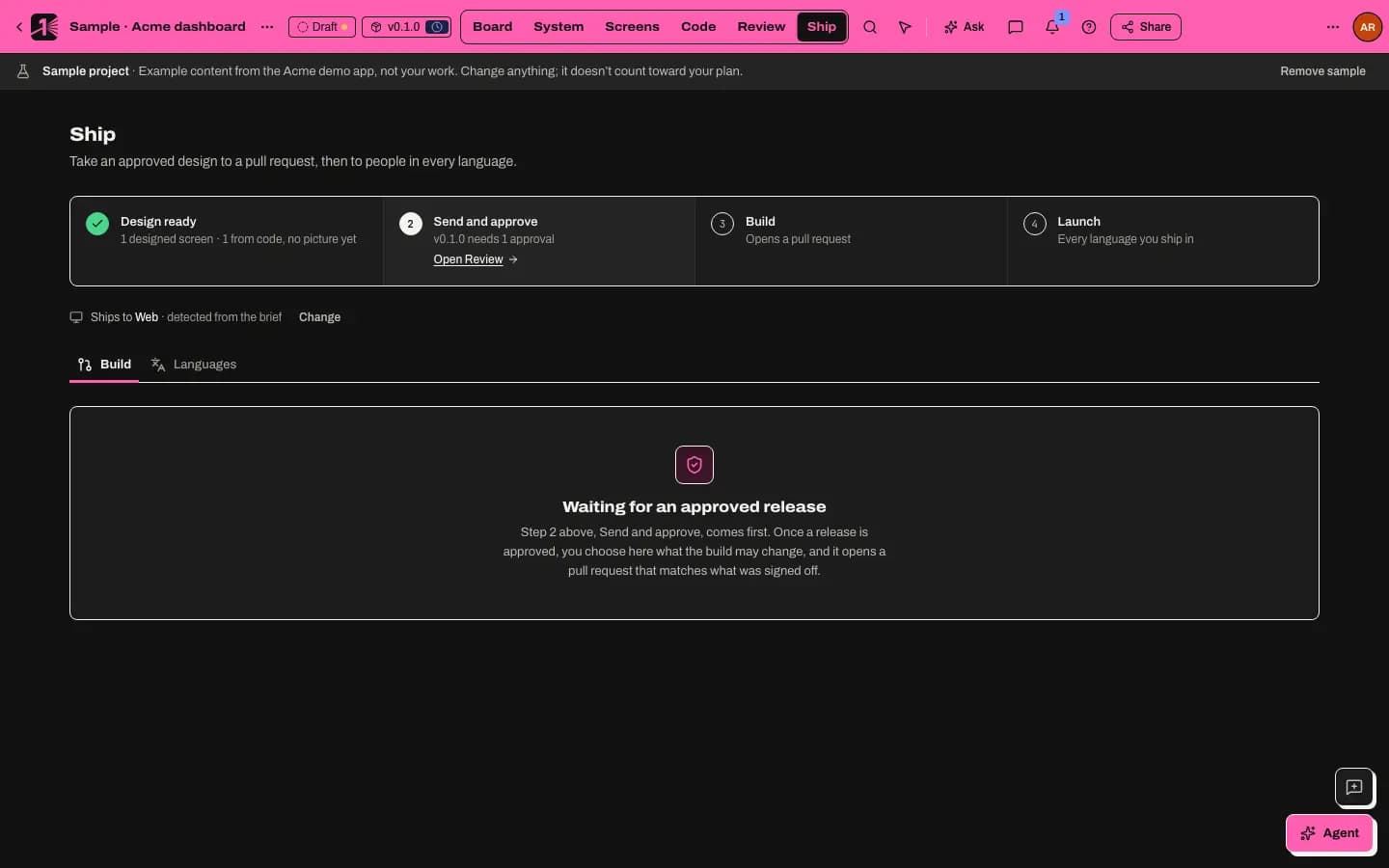
A design isn't done until it's in your code. Ship turns an approved release into scoped code work with three separate human decisions: the design approval, the build plan authorisation and opening the pull request. M1rror never writes to your default branch and never merges.
Before you start
- An approved release, approved under your workspace's approval policy. Ship refuses a release that isn't, and says what is missing.
- A connected repository. If there isn't one, Ship says Connect a repository first and links to Code.
- Someone with the Repository role to authorise the build and open the pull request.
- Implementation runs on your own repositories need the Studio and Team plan. The sample repository works on every plan.
Prepare a build plan
Open Ship mode › Build and select New build plan. Choose the Approved design and the Code it applies to. Under Advanced settings you can set:
- Files it may change and Files it never touches;
- What must not change (behaviour that has to stay the same);
- Budget (usage units) and Fix attempts if a check fails.
Select Prepare build.
Authorise it
A person with the Repository role reviews the plan, writes a Reason and selects Authorize build (or Reject build plan). Authorising never writes to your base branch and never merges.
Build
Select Start build. The build runs on a scoped branch and checks its work with your repository's own scripts (Typecheck, Lint, Tests and Build), comparing each with the same check before the change, so problems that were already there aren't blamed on it. See your repository's toolchain. When it finishes you'll see Branch ready. Opening a pull request is a separate approval.
Open the draft pull request
Write a Reason and select Open pull request. M1rror pushes the branch and opens a draft pull request with the evidence attached. Branches are named
m1rror/v<release>-<run>, and M1rror never force-pushes.The description includes a Pictures section with the approved version's changed screens and a link to compare them in M1rror, and ends with an
M1rror-Release:line that ties the pull request to the release for Coverage.Review and merge in GitHub
Your team reviews the draft pull request like any other and merges it when ready. Pull request checks run on it too. Once it merges, it appears in the changelog, and you can open a revert pull request if you need to back it out.
With your own coding agent
Coding agents such as Claude Code, Cursor and Codex can work from the same approved release over MCP, on the Studio and Team plans:
- Connect your agent to M1rror. Connections use the implementer tools by default.
- The agent reads the implementation brief of the latest approved release (
taste_get_implementation_brief) and, if you have authorised a build plan in Ship, the plan itself (taste_get_implementation_contract). It makes the change in your local checkout, within the allowed files. - It opens the pull request in GitHub with the
M1rror-Release:line from the brief, or links it withtaste_link_pull_request. - It reports which items it finished (
taste_submit_implementation_progress) and submits its check results as evidence (taste_submit_evidence). - You review and merge the pull request in GitHub, and follow it in Ship › Coverage.
See implement an approved release for the details.
Agents can't authorise a build plan, start a build in M1rror or open a pull request through M1rror: those are human decisions.
Cost
An implementation run uses 25 usage units, and you can cap a plan's spend with its budget. See usage units and credits.
Last updated
Edit this page on GitHub