Start your design system from your code
Read the design tokens already in your repository, keep your own names, map them onto the system and settle conflicts, then confirm the components M1rror found.
On this page
If you already have an app, its code is the best place to start: the design system then describes what your team actually ships. M1rror reads your repository without running it. It brings in the design tokens your code already defines, with your own names, and the components it finds, and you decide how they fit before anything is saved.
Before you start
Connect a GitHub repository to the project. On the start page choose Extend a design system › A repository, or Connect a repository. For an existing project, open Code mode and select Connect a repository. If M1rror isn't installed on that GitHub account yet, select Install GitHub App first (see the GitHub App). Tell M1rror which branch holds your app, then select Connect and scan.
To try it without your own code, choose Use the Acme sample.
Bring in your tokens
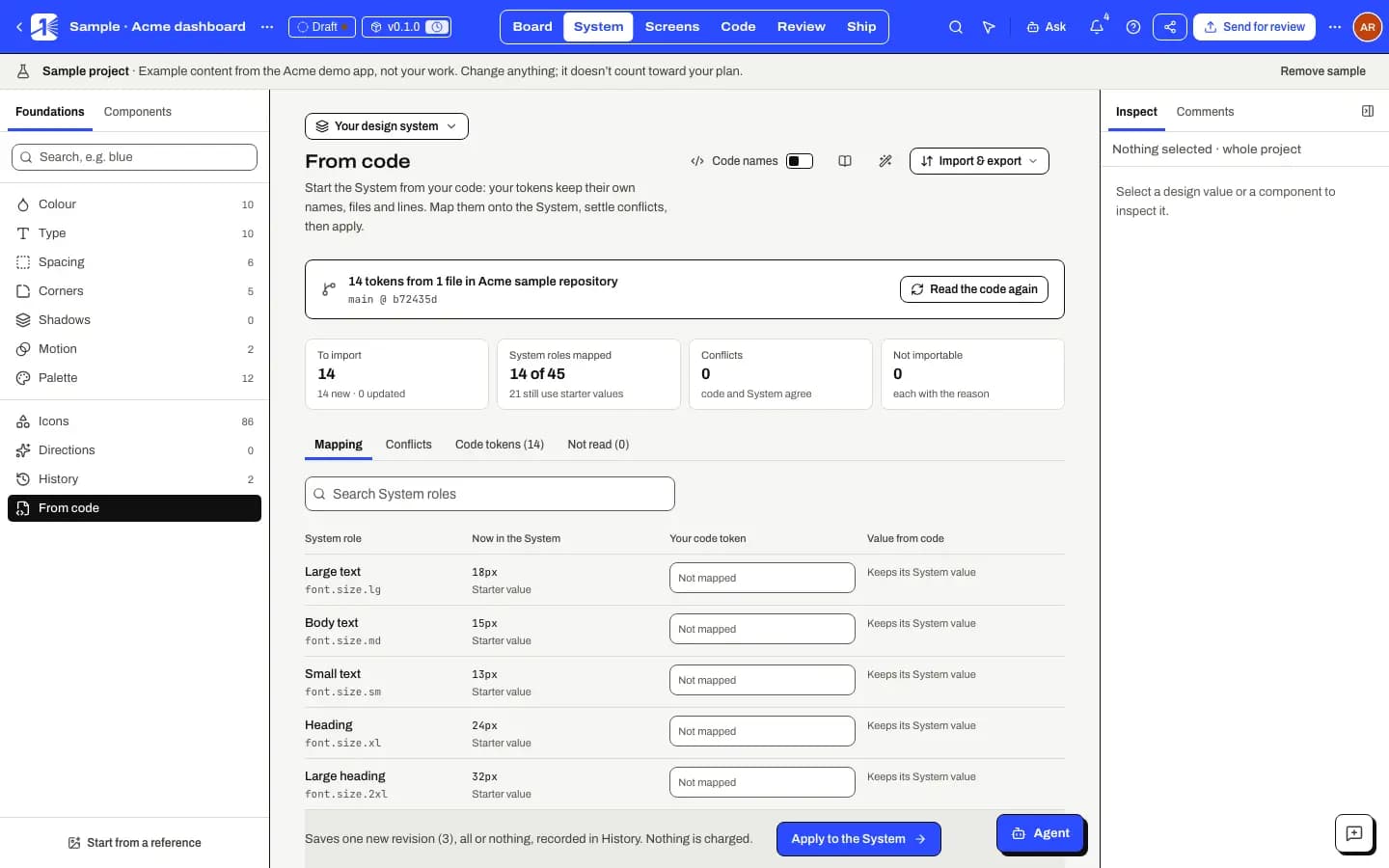
Open From code
In System mode, open From code in the Foundations panel. A system that still has its starter styles also offers Start from your code.
Read the code
Select Read design tokens from code. M1rror reads the token files on your tracked branch. Nothing is installed or run, and reading is free. A commit that was already read is reused.
When it finishes, the summary says how many tokens it read from how many files, at which commit.
Map your tokens onto the system
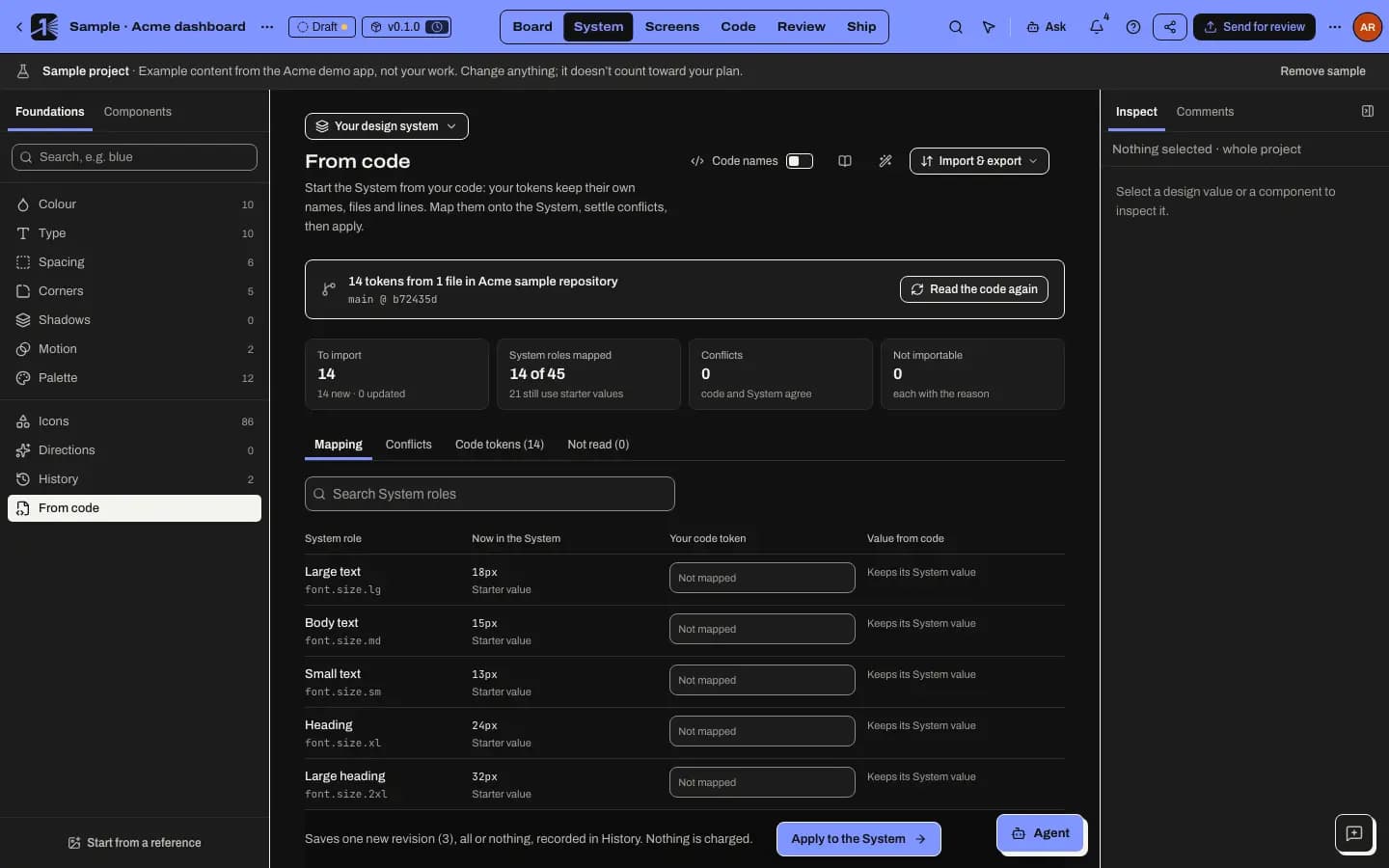
The Mapping tab lists the system's roles, such as the accent colour, the control corner radius or the body font, next to Your code token. M1rror suggests a match by name, one code token per role, and only where the kind fits. Change any match, or choose Not mapped (keep the System value).
A mapped role follows your code token, so the system keeps its own vocabulary and your code keeps its names.
Settle conflicts
When a role already has a value of its own, for example from a reference or someone's edit, the Conflicts tab shows Code, Reference and Proposed side by side. Choose which to keep for each one. Starter values are only placeholders, so they never conflict: your code's values simply replace them.
Check what's included
Code tokens lists every token with its file and line and what will happen to it: New, Updated, Unchanged, Keeps System edit, Left out or Not importable. Leave out any you don't want. Not read explains what M1rror couldn't read, and why.
Apply
Select Apply to the System. Everything is saved as one new revision, all or nothing, and recorded in History, so you can compare and undo it. Nothing is charged.
After applying, each token shows where it came from as a file:line chip in the token studio, and so does every role that follows it.
Formats M1rror reads
| Where your tokens live | What is read |
|---|---|
| CSS custom properties | :root and html, plus theme blocks such as .dark, [data-theme=…] and prefers-color-scheme |
| Tailwind v4 | @theme variables |
| Tailwind v3 | the theme and theme.extend groups in your config, when they are written out literally |
| SCSS and Less | top-level variables and SCSS maps |
| JSON tokens | DTCG, Style Dictionary and Tokens Studio |
| Theme objects | exported objects for styled-components, Emotion, styled-system and Stitches |
| Theme functions | MUI createTheme and extendTheme, Chakra extendTheme, createStitches and vanilla-extract themes |
| React Native and Expo | theme exports, including Colors.light and Colors.dark |
M1rror reads colours, spacing, corner radius, font family, size and weight, line height, letter spacing, shadows, durations, easing and z-index. Aliases stay aliases, and dark values become the system's dark theme.
Values that can only be worked out when the code runs, such as calc(), darken() or a spread, are listed with the reason and never guessed.
Confirm your components
The same repository scan also finds your components, and your routes as screens. Components appear in System mode › Components marked Detected from code · unconfirmed. M1rror asks you to confirm them (Confirm N components): tell it whether it found the right code for each one. Confident matches with no warning signs are matched automatically; your confirm, reject or undo always wins.
To turn the routes into editable screens, see screens from your code.
When your code changes
Select Read the code again after your tokens change. Edits you made in the system are kept unless you choose the code's value. Tokens that are no longer in the code are kept unless you choose Remove from the System; a token that another token refers to can't be removed.
When an approved design ships as a pull request, M1rror writes the new values back under your own names and in your file's own notation (hex or rgb(), rem or px), so the change looks like one your team would make. See Ship an implementation PR.
If something goes wrong
- "Connect a repository first." From code reads a connected repository. Connect one in Code mode.
- "The last read failed: …" The message gives the reason, for example a repository that was disconnected. Fix it, then read again.
- A token file is missing. Very large repositories are read within limits: up to 300 token files and 6 MB in total. Not read lists what was left out and why.
- The plan is too large. A design system has a size limit. Leave some tokens out on the Code tokens tab, then apply.
- "Your role cannot change the design system." You can look but not apply. Ask an editor.
Other ways to start
- Import a tokens file in DTCG or Tokens Studio JSON.
- Start from a reference of your current app, or capture it if it is live.
Last updated
Edit this page on GitHub